Loyalty Overview
The Insights 2.0 Loyalty Overview dashboard provides important loyalty activity statistics, as well as critical visibility into customer engagement, points activity, outstanding points liability, and channel performance. The dashboard includes overall loyalty engagement, points activity over time, top loyalty customers, and channel analysis.
Important: Loyalty overview data is available only for sites using Patheon+ in Beacon. If no data appears in the Loyalty Overview dashboard, this does not indicate an issue with the dashboard. Contact your sales representative to learn more about Patheon+ and the value of loyalty analytics.
Insights 2.0 dashboards are accessible from within Patheon Portal, or directly from any mobile device or desktop computer at Insights.DRB.com.
Patheon Portal
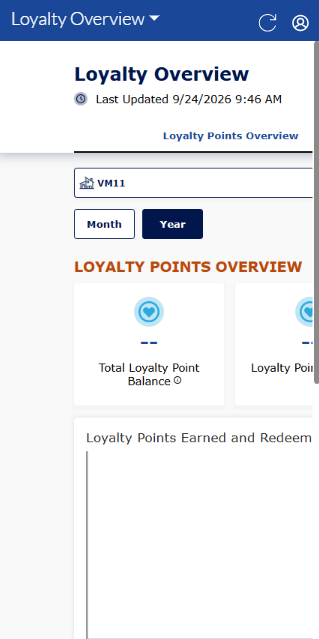
Mobile
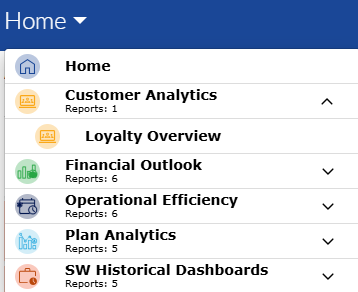
Dashboard Location
Insights 2.0>Customer Analytics>Loyalty Overview
Dashboard Tools
The loyalty overview dashboard provides the following functions and information: refresh, sign out, and last updated time and date.
Refresh
Dashboards automatically refresh every 15 minutes. However, the dashboard header provides a refresh function to manually force a data refresh. When selected, it refreshes the data for all Insights 2.0 dashboards.
Sign Out
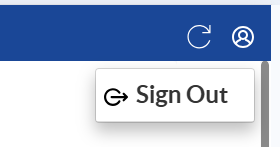
The user icon in the header provides a Sign Out function to sign out of Insights 2.0.
Last Updated
The date and time, based on the user's location, the dashboard data was last refreshed.

Important: Insights 2.0 dashboard data is near real-time. It reflects a 15-minute delay, so that the data can be processed and accurately rendered in the dashboards.
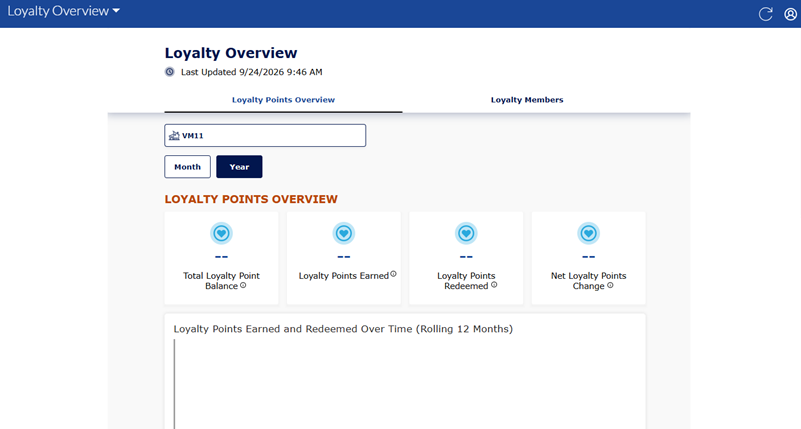
Loyalty Points Overview
Insights 2.0>Customer Analytics>Loyalty Overview>Loyalty Points Overview
The Loyalty Points Overview dashboard provides the following data for a site: total loyalty point balance, loyalty points earned, loyalty points redeemed, and net loyalty points change. All these data points can be viewed for a specific month or year.
Site
The Loyalty Points Overview site selector provides the ability to select a single site, multiple select-sites, or all sites.
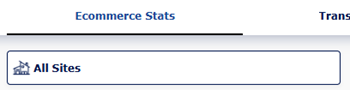
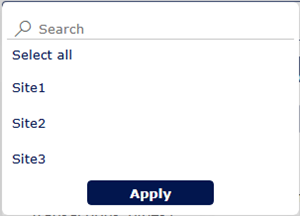
Selecting the site selector opens a list with all sites. Users can navigate down the list and select a single site, multi-select specific sites, or all sites.
Time Period
The Time Period function provides the ability to select (and view) the data for a different month or time period: Month or Year.
Month
Select Month to open a list of 1-month date ranges. The months are listed in Mon YYYY format, where Mon is the month's abbreviation and YYYY is the year.
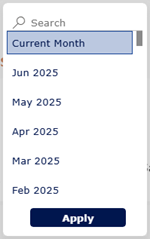
Select a specific month to view its stats for all sites.
Yearly
Select Year to open a list of 1-year date ranges. The years are listed in YYYY format.
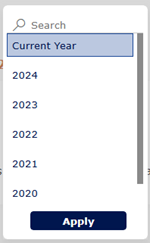
Select a specific year to view its stats for all sites.
LOYALTY OVERVIEW STATISTICS
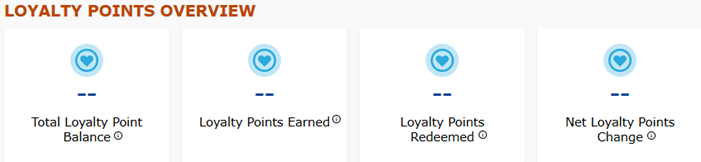
The LOYALTY OVERVIEW Statistics section provides metrics for the total loyalty point balance, earned loyalty points, loyalty points redeemed, and net loyalty points change for the selected time period.
Total Loyalty Point Balance
The Total Loyalty Point Balance metric provides the current balance of loyalty points as of the last day of the selected time period.
Loyalty Points Earned
The Loyalty Points Earned metric provides the total number of points earned within the selected time period.
Loyalty Points Redeemed
The Loyalty Points Redeemed metric provides the total number of points redeemed within the selected time period.
Net Loyalty Points Change
The Net Loyalty Points Change metric provides the net change in loyalty points within the selected time period.
Chart Tools
The metric charts for the Loyalty Overview dashboard provides the following functions and information: export data, show as a table, spotlight, get Insights, and sort by.

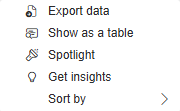
Export data
The Export data tool downloads the data used in the chart so it can be reviewed or analyzed outside of the dashboard.
Show as a table
The Show as table tool displays the chart data in a table format, making it easier to read exact values.
Spotlight
The Spotlight tool highlights the selected chart so users can focus on it without other dashboard visuals competing for attention.
Get insights
The Get insights tool provides automated insights based on the other chart data, such as trends, patterns, or notable changes.
Sort by
The Sort by tool allows users to change how the chart data is ordered, such as by month, total balance, earned loyalty points, redeemed loyalty points, and whether to sort ascending or descending.
Loyalty Points Earned and Redeemed Over Time (Rolling 12 Months)
The Loyalty Points Earned and Redeemed Over Time chart provides the number of loyalty points earned and redeemed for the selected time period.
Loyalty Points Earned and Redeemed By Site
The Loyalty Points Earned and Redeemed by Site chart provides the number of loyalty points earned and redeemed for the selected site during the selected time period.
Loyalty Members
Insights 2.0>Customer Analytics>Loyalty Overview>Loyalty Members
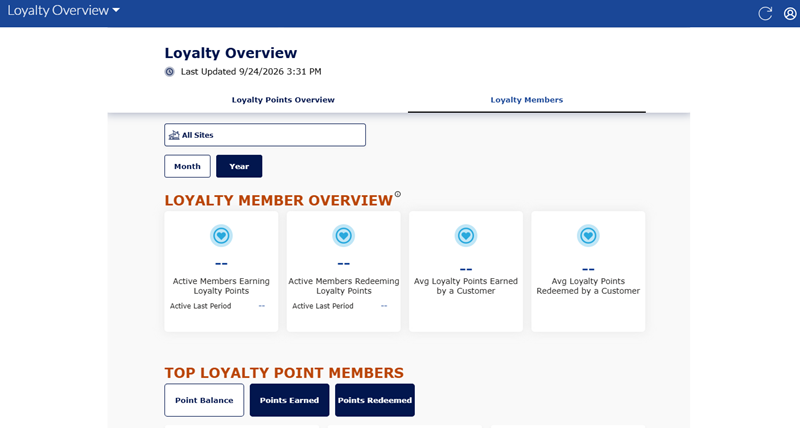
The Loyalty Points Overview dashboard provides the following data for a site: active members earning loyalty points, active members redeeming loyalty points, average loyalty points earned by a customer, and average loyalty points redeemed by a customer. All these data points can be viewed for a specific month or year.
Site
The Loyalty Points Overview site selector provides the ability to select a single site, multiple select-sites, or all sites.
Selecting the site selector opens a list with all sites. Users can navigate down the list and select a single site, multi-select specific sites, or all sites.
Time Period
The Time Period function provides the ability to select (and view) the data for a different month or time period: Month or Year.
Month
Select Month to open a list of 1-month date ranges. The months are listed in Mon YYYY format, where Mon is the month's abbreviation and YYYY is the year.
Select a specific month to view its stats for all sites.
Yearly
Select Year to open a list of 1-year date ranges. The years are listed in YYYY format.
Select a specific year to view its stats for all sites.
LOYALTY MEMBER OVERVIEW
The LOYALTY member OVERVIEW section provides key loyalty engagement metrics for the selected time period, including the number of active members earning and redeeming loyalty points, the average points earned per customer, and the average points redeemed per customer.
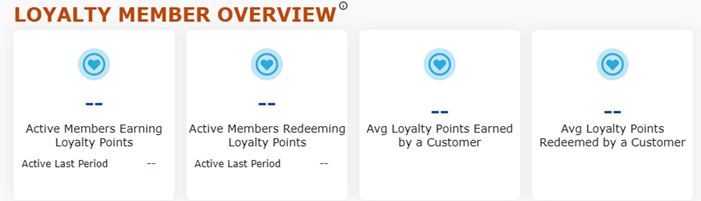
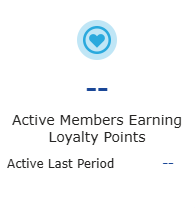
Active Members Earning Loyalty Points
The Active Members Earning Loyalty Points metric shows the number of active loyalty members who earned points during the selected time period.
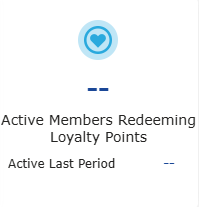
Active Members Redeeming Loyalty Points
The Active Members Redeeming Loyalty Points metric shows the number of active loyalty members who redeemed points during the selected time period.
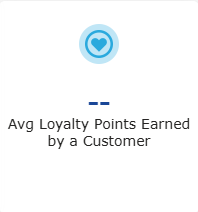
Avg Loyalty Points Earned by a Customer
The Avg Loyalty Points Earned by a Customer metric shows the average number of active loyalty points earned per customer during the selected time period.
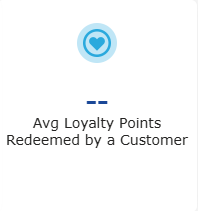
Avg Loyalty Points Redeemed by a Customer
The Avg Loyalty Points Redeemed by a Customer metric shows the average number of loyalty points redeemed per customer during the selected time period.
TOP LOYALTY POINT MEMBERS
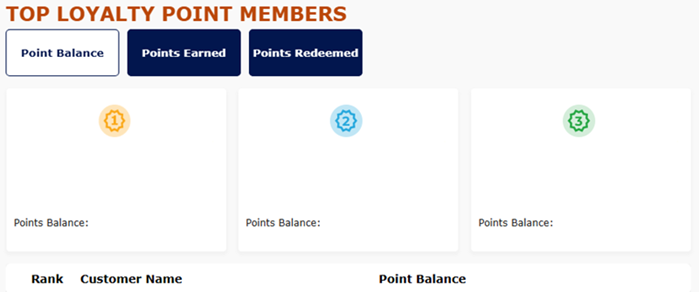
The TOP LOYALTY POINT memberS section provides a ranked view of loyalty members based on point balance, points earned, or points redeemed. This section helps identify the most engaged loyalty customers, understand which members are accumulating or using points most frequently, and review customer-level loyalty activity for the selected time period.
Point Balance
The Point Balance metric displays the top loyalty members based on their current loyalty point balance. This helps identify customers with the highest outstanding point totals.
Points Earned
The Points Earned metric displays the top loyalty members based on the total number of points earned during the selected time period. This helps identify highly engaged customers who are actively accumulating points.
Points Redeemed
The Points Redeemed metric displays the top loyalty members based on the total number of points redeemed during the selected time period. This helps identify customers who are actively using their loyalty rewards.
Top Member Cards
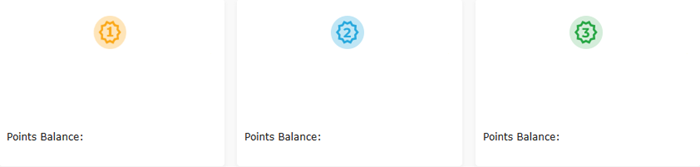
The top member cards highlights the top-ranked loyalty members for the selected category, making it easy to quickly identify leading customers by point balance, points earned, or points redeemed.
Member Ranking Table
The member ranking table provides a ranked list of loyalty members for the selected category, including customer names and point values for easier comparison and review.
