ACTIVATED SITES (FLOWS)
The Activated Sites (Flows) panel provides the ability to view or edit the site(s) or site group(s) at which a corresponding kiosk workflow can be used. Workflows are the screens and transitions that form the customer sale experience at a kiosk terminal. It is accessible by opening the Flows List panel, selecting the flow's name (to open the Workflow Overview panel) and then selecting Edit (Sites).
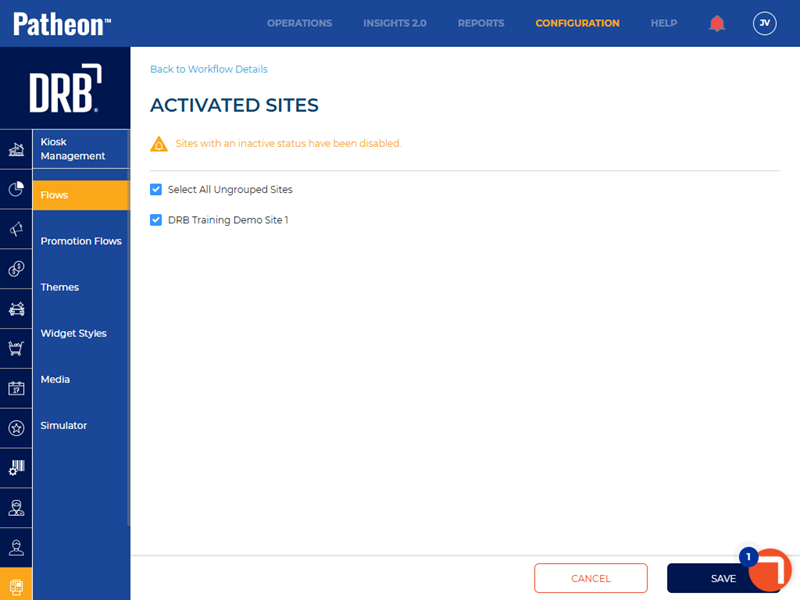
Select All Ungrouped Sites
The Select All Ungrouped Sites function provides the ability to select all sites that don't belong to a site group.
Sites List
The sites list provides all of an organization's sites, below the Select All Ungrouped Sites function. Select a single site, specific multiple sites, or all sites, to activate the workflow for the corresponding site(s).