Publish a Kiosk Workflow
Use these steps to publish a kiosk terminal workflow.
Tools Required
- The workflow must be activated for the site in order to be published to a kiosk terminal at that site.
- The workflow's Status must be Active in order to be activated for a site.
Steps
Activate the Workflow for the Site
- Log In to Patheon Portal.
- Select .
- Select Kiosks. The flows list panel opens.
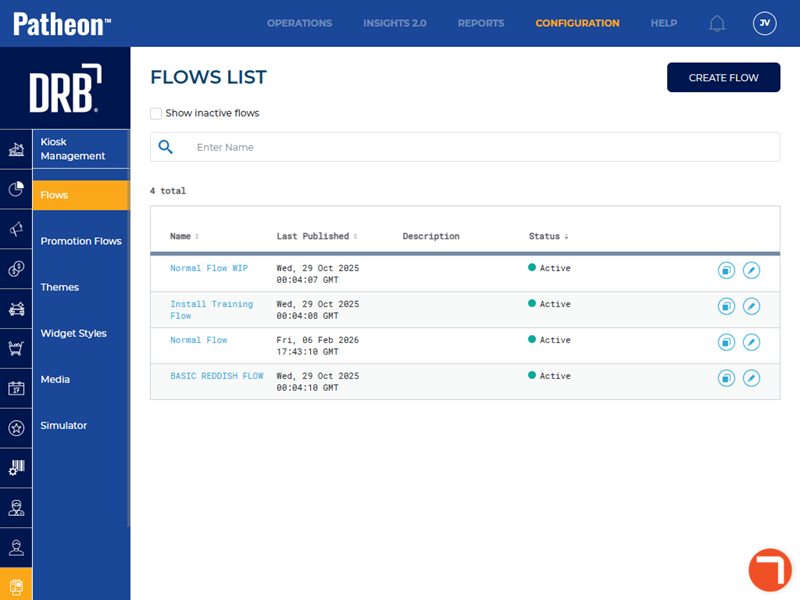
- Select the Name of the kiosk workflow to publish. The workfloW Overview panel opens.
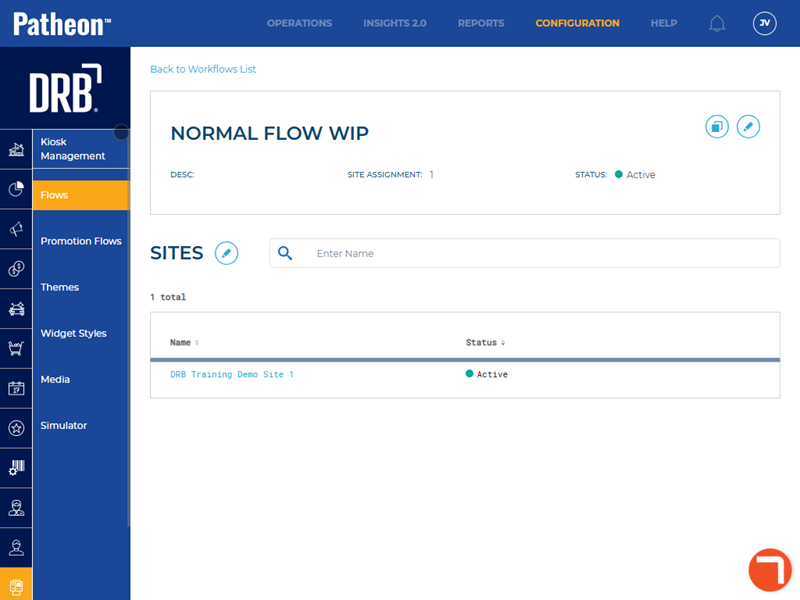
- Select edit (). The activated sites panel opens.
- Select the sites for which the workflow should be available.
- Select . The workflow is activated for the selected sites.
Publish the Workflow for the Site
- Publish the workflow.