Configure Customer Phone Number on Receipts
Use these steps to configure receipts to print a customer's primary phone number, if available, on receipts.
- Log In to Patheon Portal.
- Select .
- Select Customization.
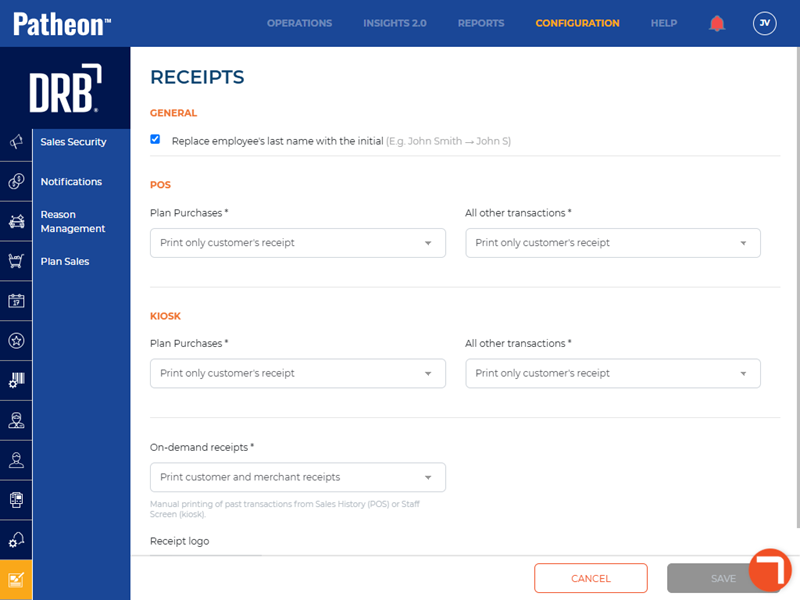
- Select Receipts. The Receipts panel opens.
- Navigate to the General section.
- Select Print customer's phone #.
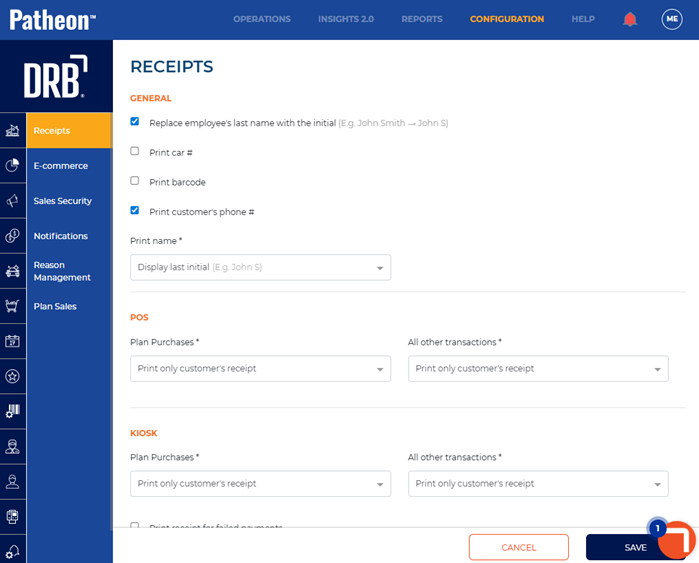
- Select .