Disable NFC for Plan Purchases
Use these steps to disable NFC for plan purchases at kiosk terminals. Note: This feature is only for sites that use CardConnect as their payment processor.
- Log In to Patheon Portal.
- Select Configuration.
- Select Sites & Groups. The Sites panel opens.
- Select the site. The site Overview panel opens.
- Select the edit icon. The site details panel opens.
- Navigate to the currencies, payment processors and methods section.
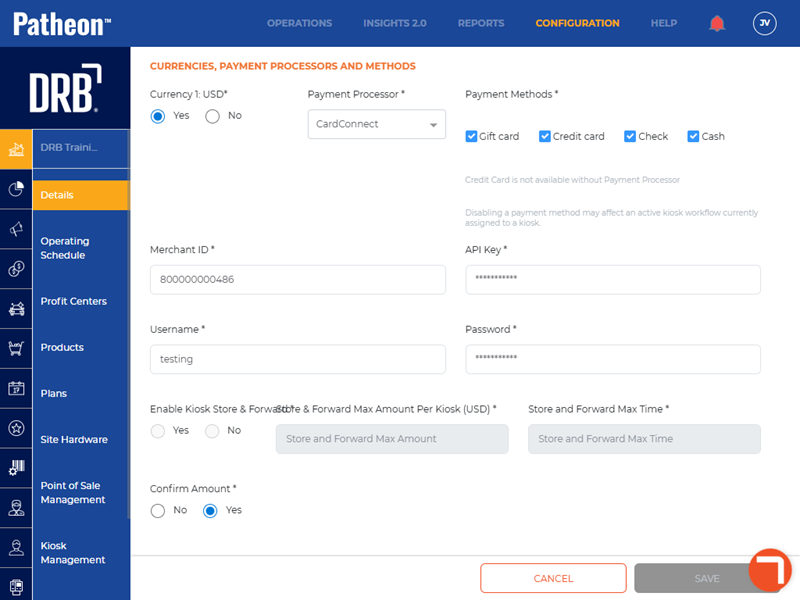
- Select Disable NFC for unattended plan purchases*.
- Select . The site details panel opens.