Link a Web User Profile to a Customer Profile
Use these steps to link a web user profile to a customer profile in Patheon Portal. Note: Advanced customer search must be enabled to link multiple customer records to one primary consumer account.
- Log In to Patheon Portal.
- Select Customers. The Customers panel opens.
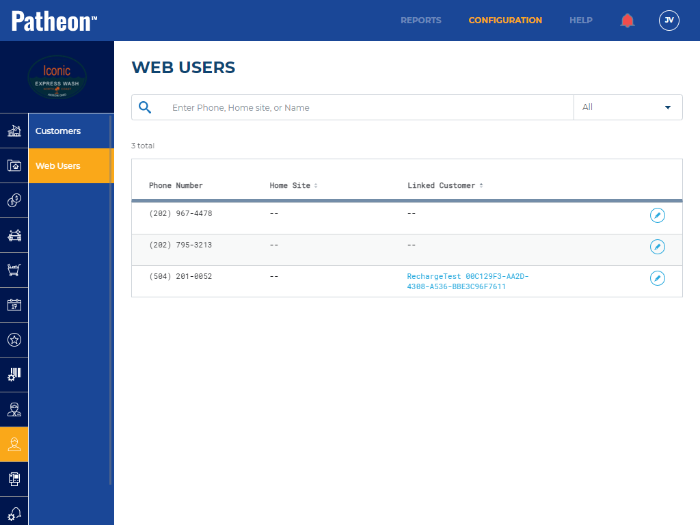
- Select Web Users. The Web Users panel opens. The Linked Customer column is empty for unlinked web user profiles.
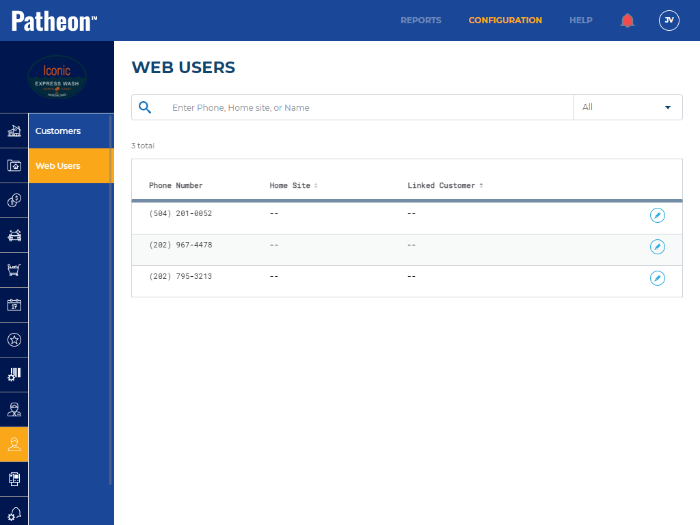
- Search for the unlinked web user profile using the customer's phone number.
- Select the edit function (
 ) for the unlinked web user profile. The -- panel opens.
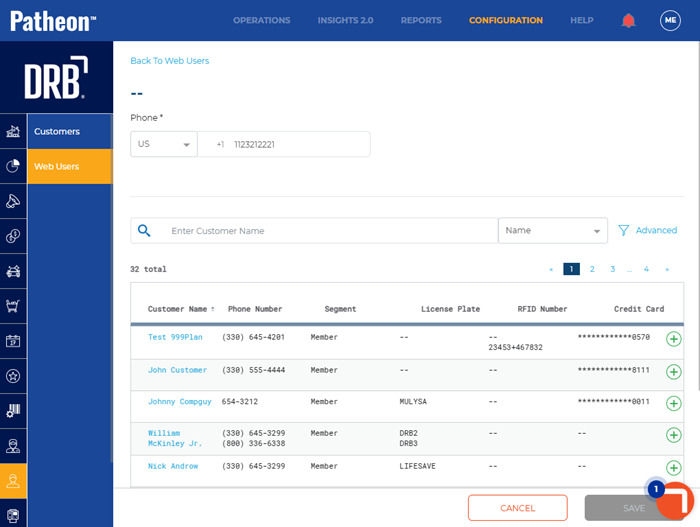
- Search for the customer using their phone number (already displayed under Phone* at the top of the panel) again.
- Select add (
 ) next to the customer profile to link. The customer profile is linked to the primary account.
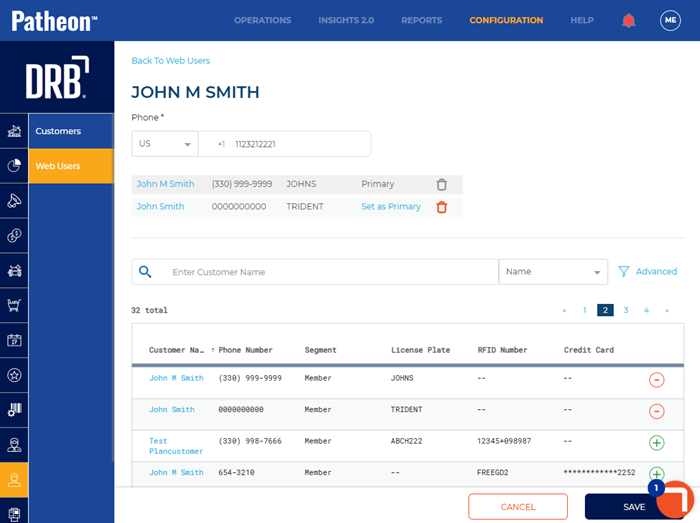
- Select . The Web Users panel opens and the selected customer now appears in the Linked Customer column for the web user.