Enable License Plate Editing for EWA
Use these steps to enable the ability for active wash subscription members to edit their vehicle's license plate number from the EWA customer app.
Note: This feature is disabled by default.
- Log in to Patheon Portal.
- Select Configuration.
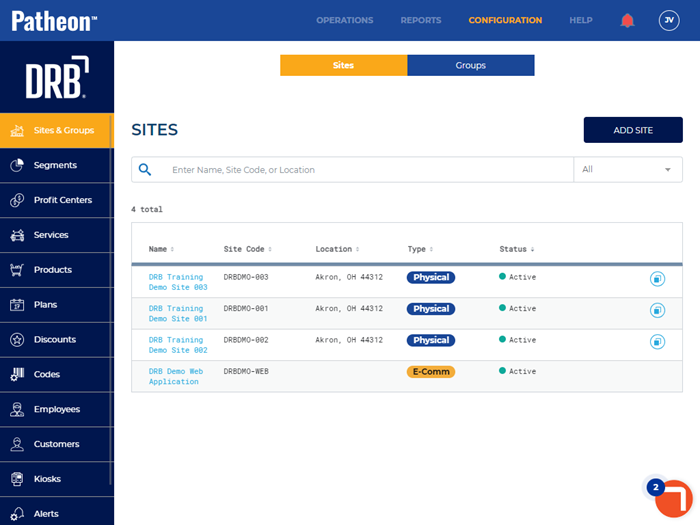
- Select Customization. The Receipts panel opens.
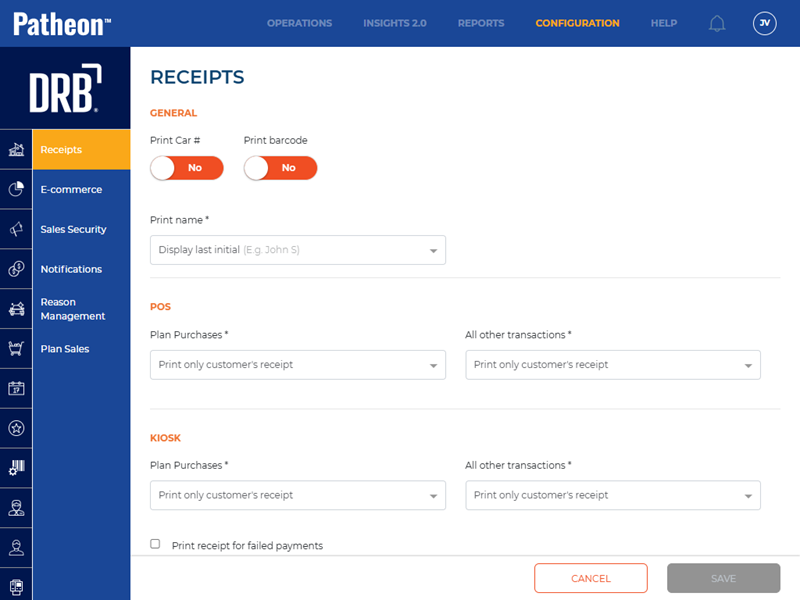
- Select E-commerce. The E-Commerce panel opens.
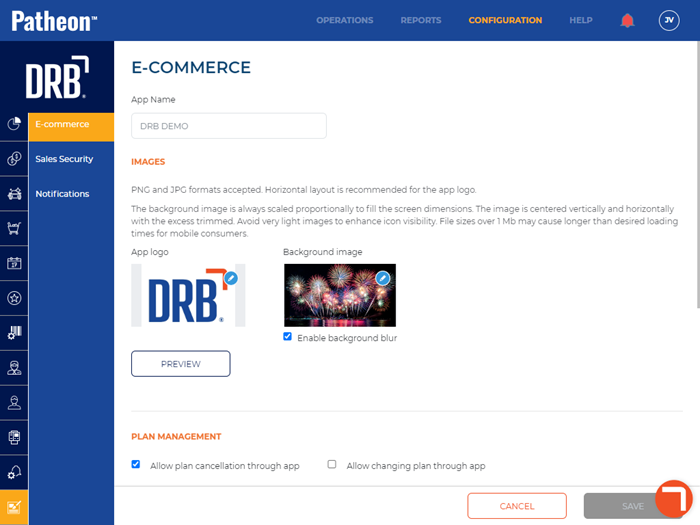
- Navigate to the Plan Management section.
- Select Allow license plate number editing. A check mark appears.
- Select . Active wash subscription members can now upgrade or downgrade their plan from the EWA customer app.