Enable Multiple Promotion Offers for EWA
Use these steps to enable multiple promotions to be shown on the EWA customer app. When this feature is enabled, all eligible promotions are displayed for customers who attempt to cancel an active TBAR plan from the EWA customer app.
Note: This feature is disabled by default.
- Log in to Patheon Portal.
- Select Configuration.
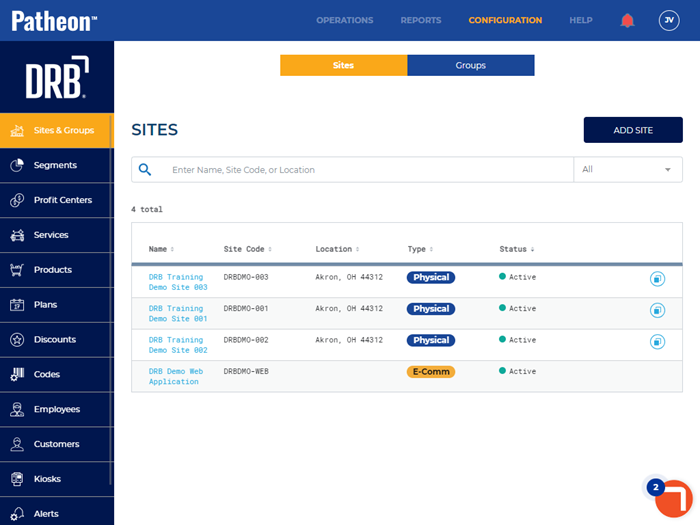
- Select Customization. The Receipts panel opens.
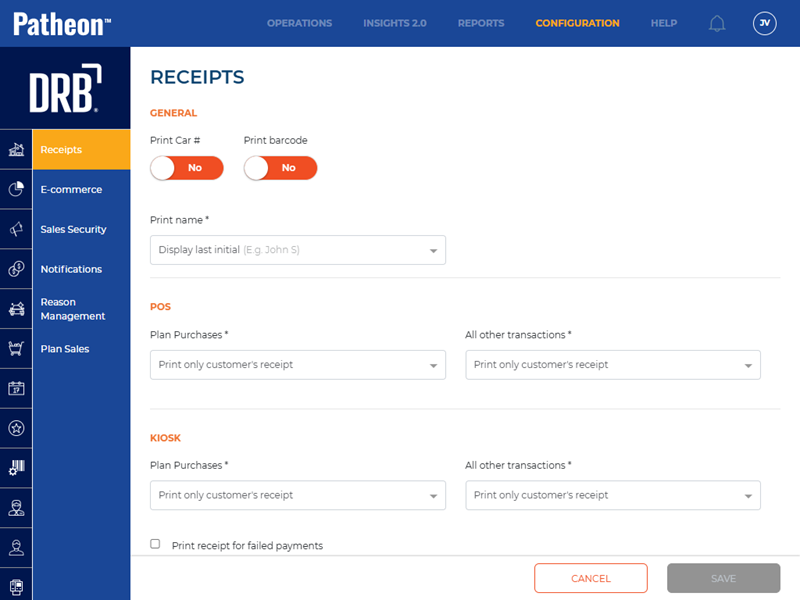
- Select E-commerce. The E-Commerce panel opens.
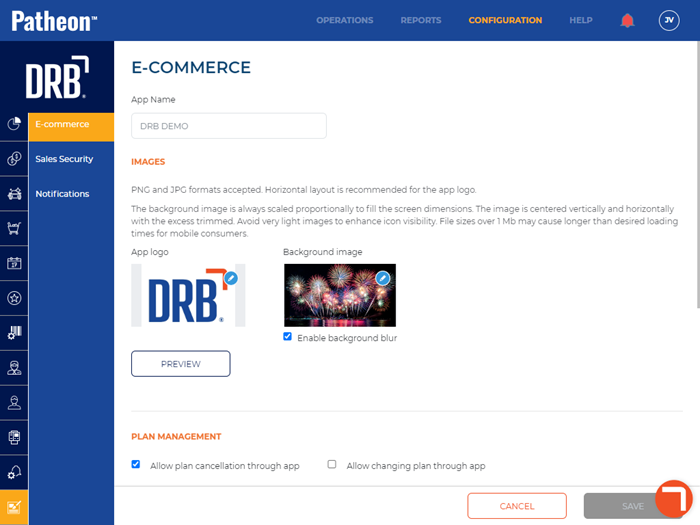
- Navigate to the Plan Management section.
- Select Allow multiple promotions.
- Select .