Remove a Customer Assigned to a Sale
Use these steps to remove a customer or vehicle that was automatically assigned to a sale.
Cashier Terminal
- Log in to the cashier application.
- Select Sales. The Sales panel opens.
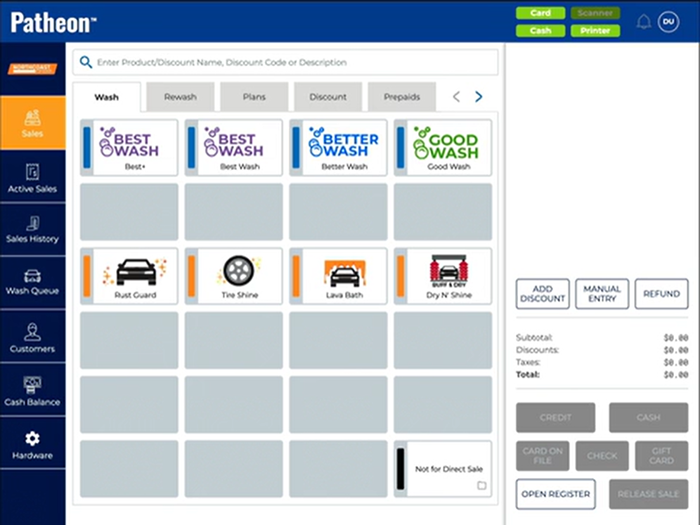
- Select the wash to add to the sale. The wash is added to the cart.
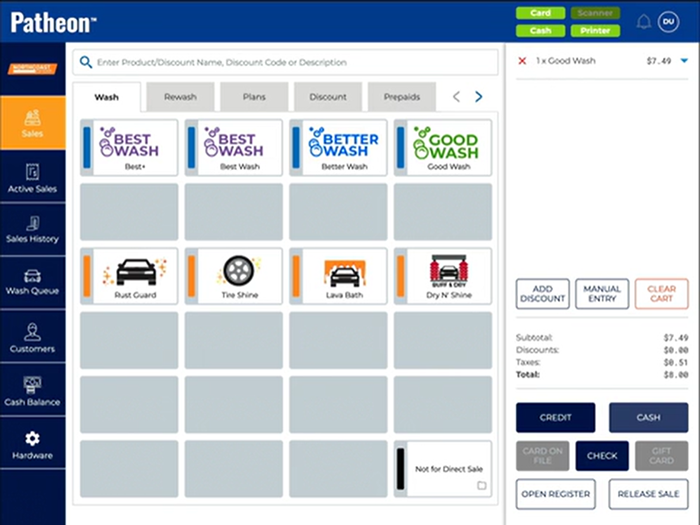
- Select close (
 ) next to the assigned customer in the cart. The Warning dialog opens, stating, "You are trying to unassign a customer which is recognized by a system.".
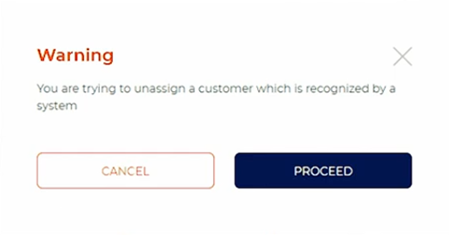
- Select . The customer/vehicle assignment is removed from the sale. A new customer can now be assigned to the sale.
- Tender the sale.
Kiosk Terminal