Assign an RFID Tag to a Customer
This topic describes how to assign an RFID tag to a customer from a cashier terminal.
- Log in to the cashier application.
- Select Customers. The Customers panel opens.
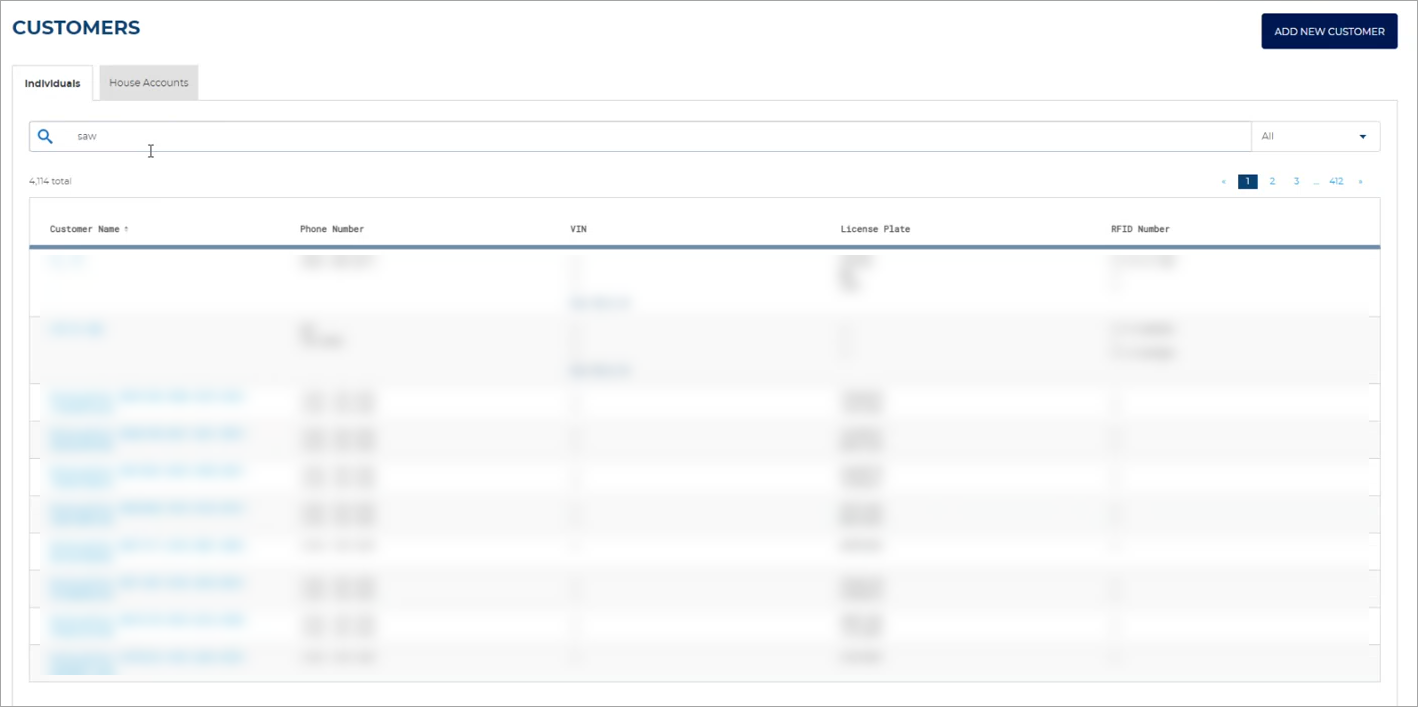
- Select the Customer Name of the customer being assigned the RFID tag. The Customer
- Navigate to the PLANS section.
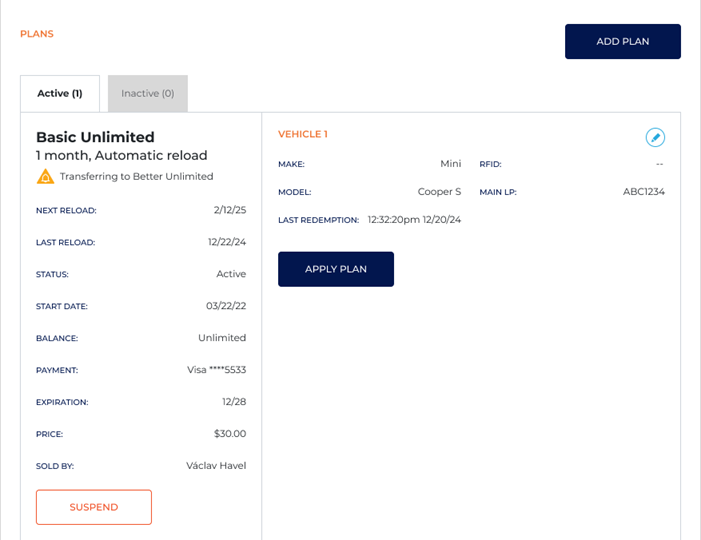
- Select the active plan to which the RFID tag is to be assigned.
- Select the edit function (
 ). The Plan Details panel opens.
 - Navigate to the VehicleS section.
- In RFID Number, enter or scan the RFID tag number.
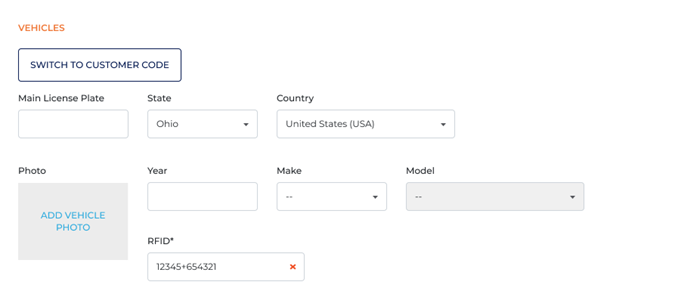
- Select . The RFID tag number is assigned to the customer's vehicle and their plan.