Transfer a Gift Card Balance to Another Gift Card
Use these steps to transfer (combine) an existing (active) gift card's balance to another existing active gift card from a cashier terminal. This can be done when a customer has multiple gift cards and they want to consolidate the values to a single gift card. This process moves the entire available balance from one gift card to another. Note: The system does not support the ability to transfer part of gift card's available balance; only the entire balance can be transferred.
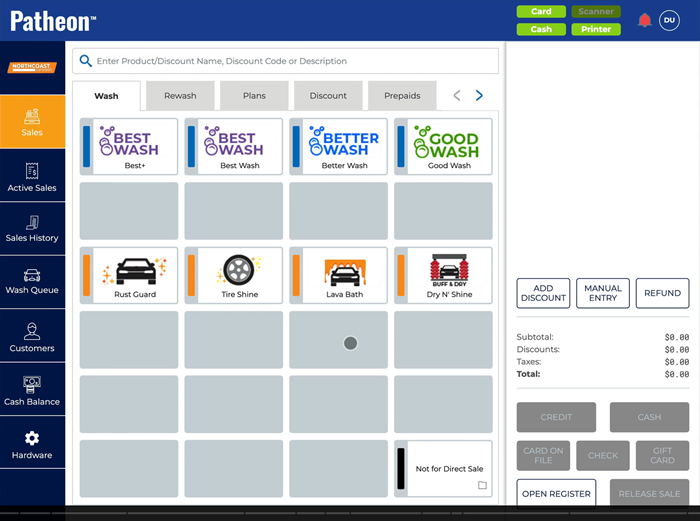
- Select . The Manual Entry dialog opens.
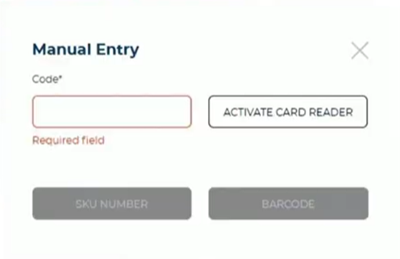
- In Code*, manually enter the code of the gift card whose balance is being transferred, or activate the card reader and scan it. The gift card code appears in the Code* field.
- Select . The Manual Entry dialog closes and the Add Value | Transfer Balance dialog opens.
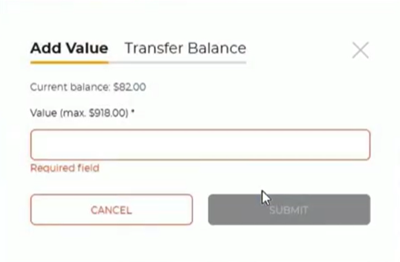
- .Select .
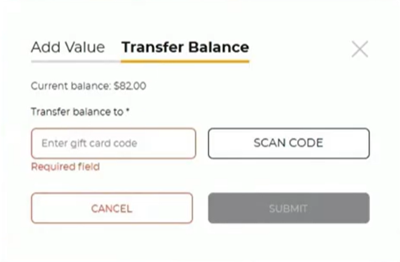
- In Transfer balance to*, manually enter the code of the gift card to which the balance is being tranferred to and select , or select and scan the gift card. The dialog closes and both gift cards are added to the cart. Note: The gift card from which the balance is being transferred has a negative (-) value in the cart, and the gift card to which the balance is being transferred has a positive (+) value in the cart.
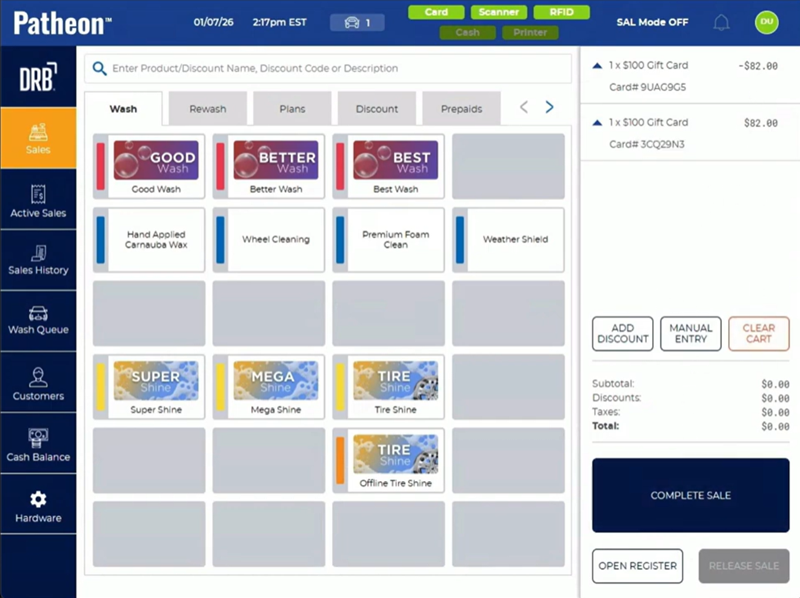
- Select . The entire available balance is transferred from the first gift card to the second gift card and the Complete tender dialog opens.

- Select . The dialog closes.
- See "Check a Gift Card Balance" to view the gift card's new balance.