Reprint a Claim Check Receipt
Use these steps to re-print a sale's claim check receipt from a cashier terminal.
Note: This function requires the Edit access for the POS>Sales history access>Print claim check permission.
- Log in to the cashier application.
- Select Sales History. The Sales History panel opens.
- Locate the sale.
- Select edit (
 ) for the sale. The Sale ID panel opens.
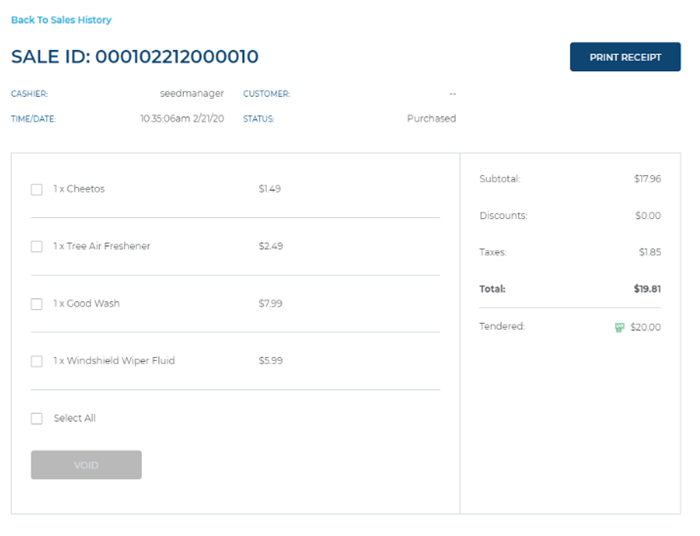
- Select . A claim check receipt prints.
- When finished, select Back To Sales History. The Sale ID panel closes and the Sales History panel opens.